Logo3D Camera Control
  • Pricing
Logo3D Camera Control

Generate consistent multi-angle views from a single reference image.

Tools
  • Camera Angles
  • Qwen Image Edit
  • Product Multiple Views
  • GPT Image 2
  • Pricing
Legal
  • Privacy Policy
  • Refund Policy
  • Terms of Service
© 2026 3D Camera Control. All Rights Reserved.

Product Multiple Views

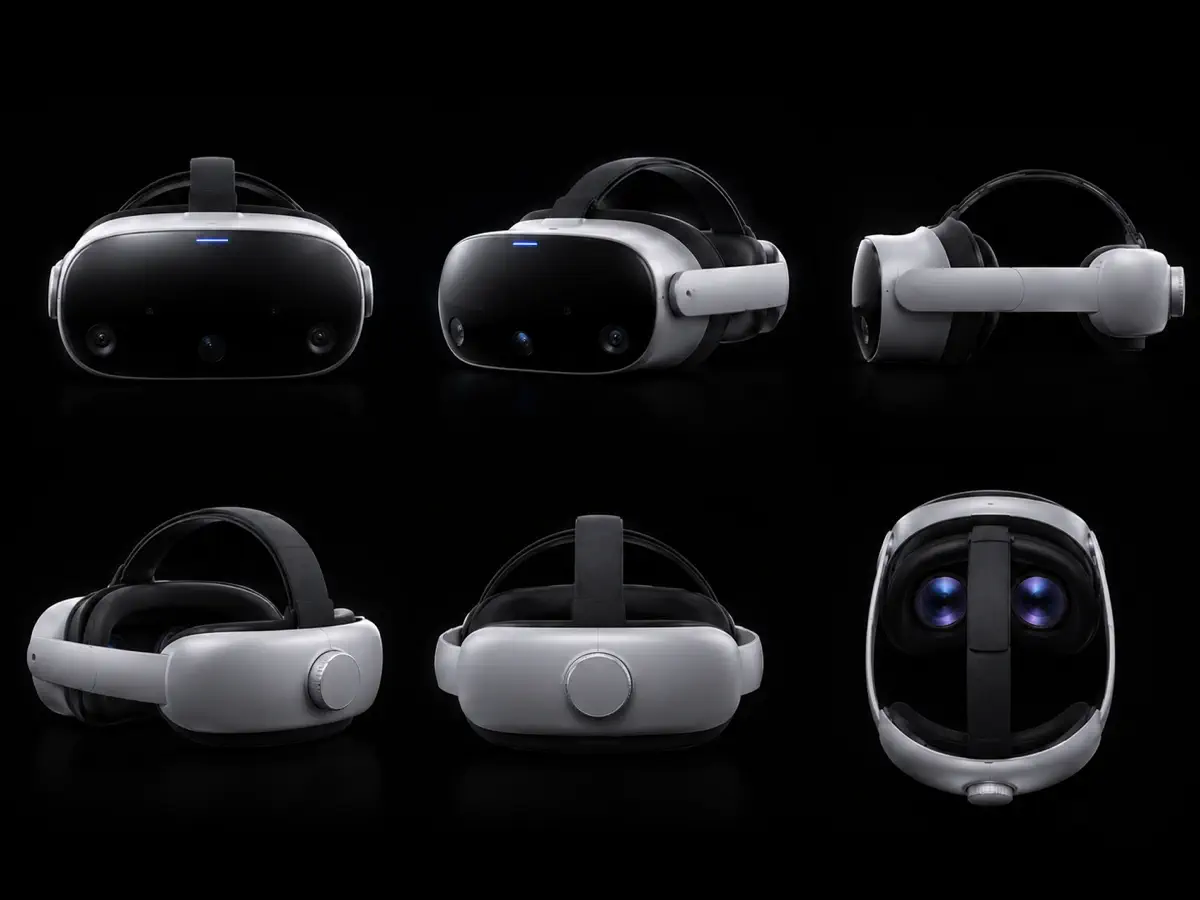
Turn one product image into a clear multi-angle product view set for ecommerce listings, catalogs, and product testing.

Click, drop, or paste imagesJPEG, PNG or WebP · Up to 10 MB each

Sign in to try it for free

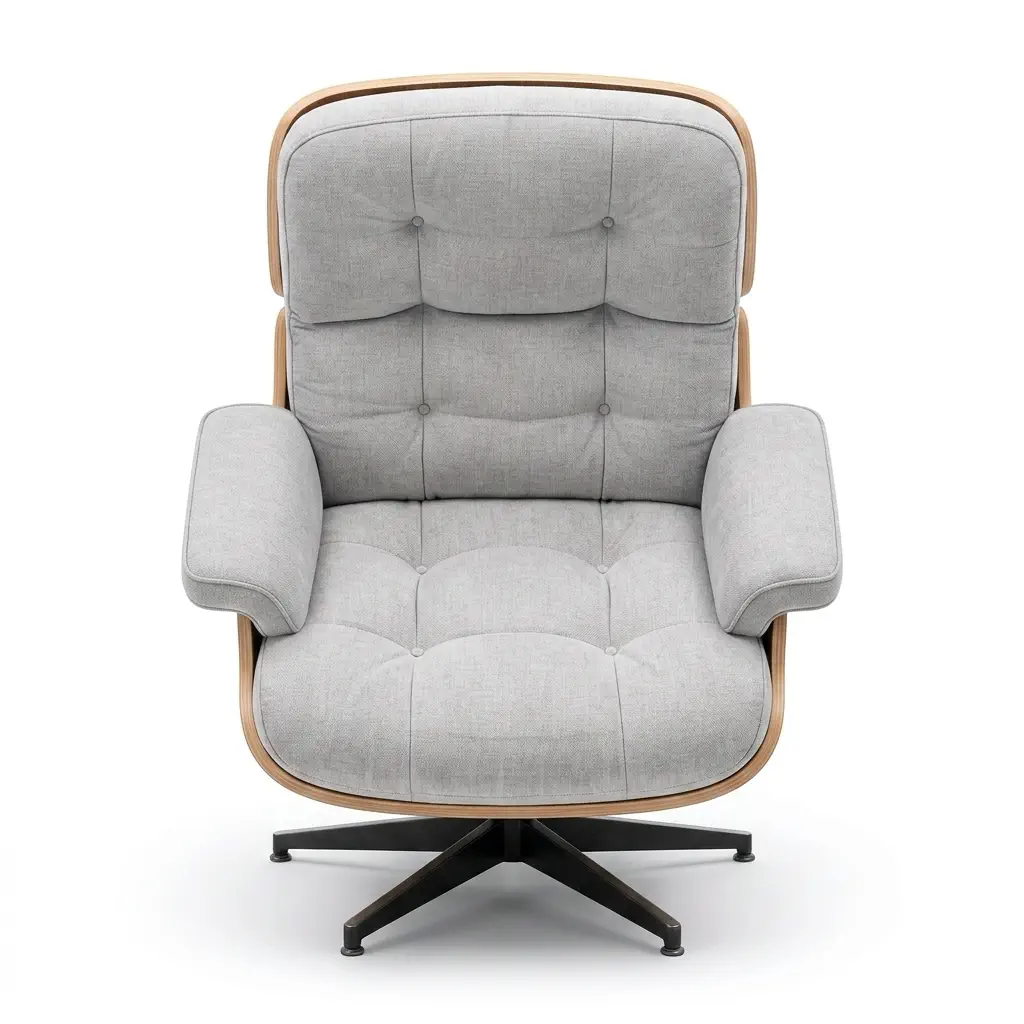
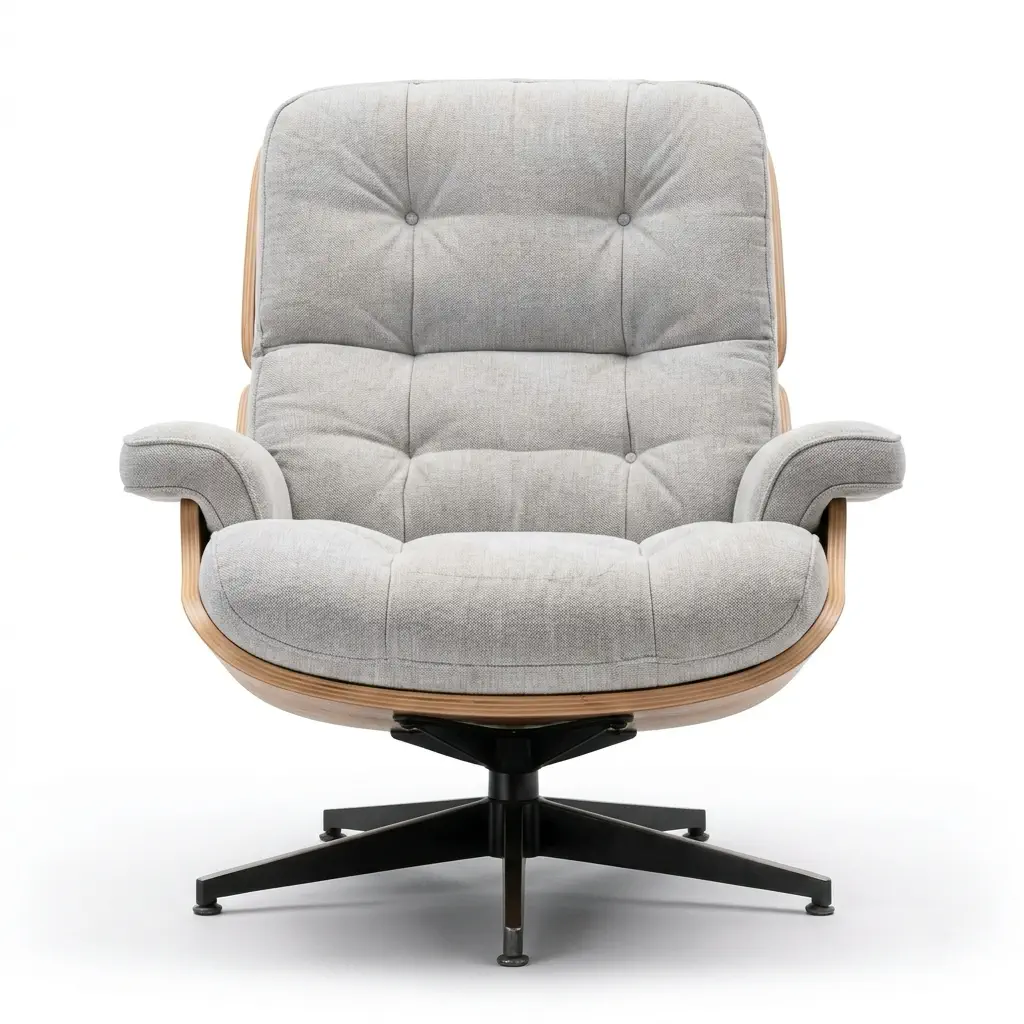
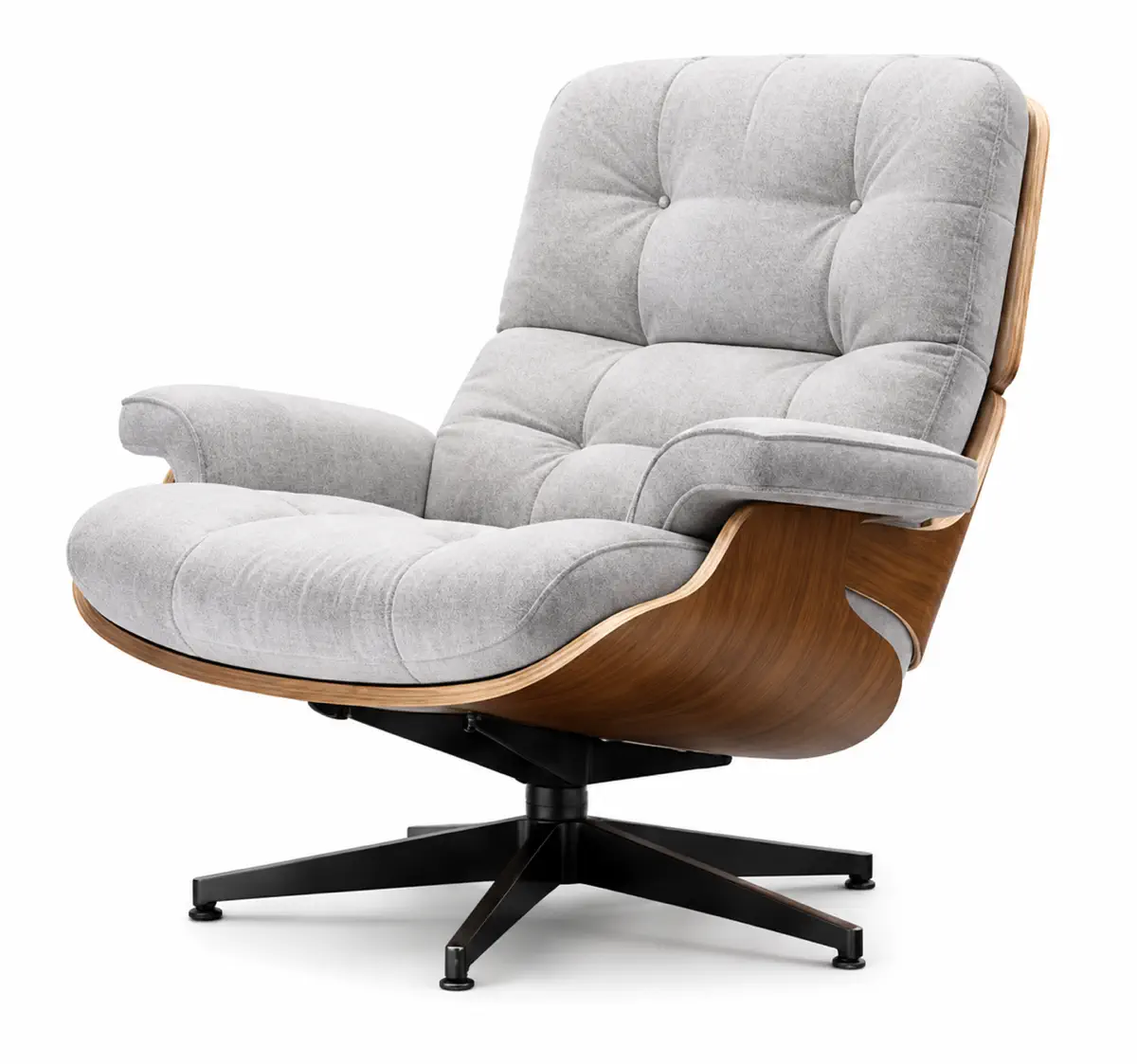
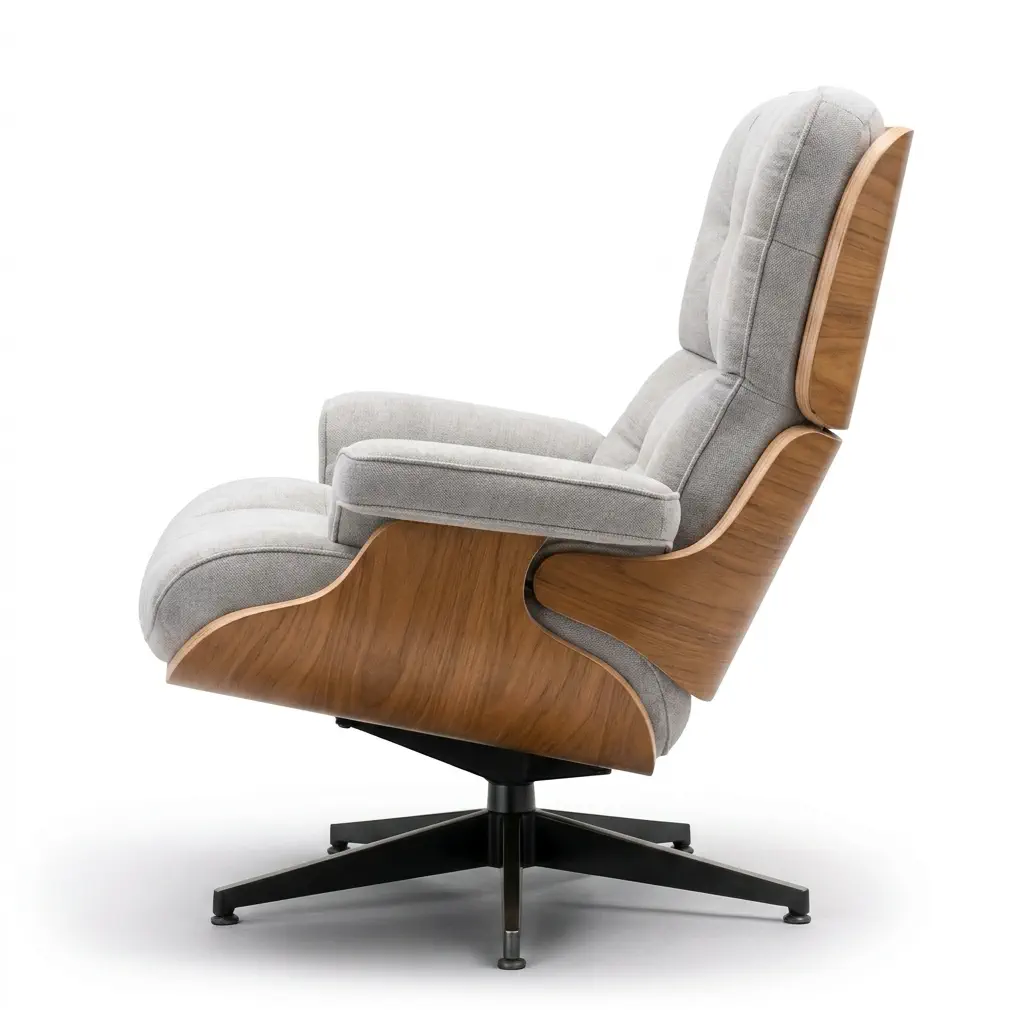
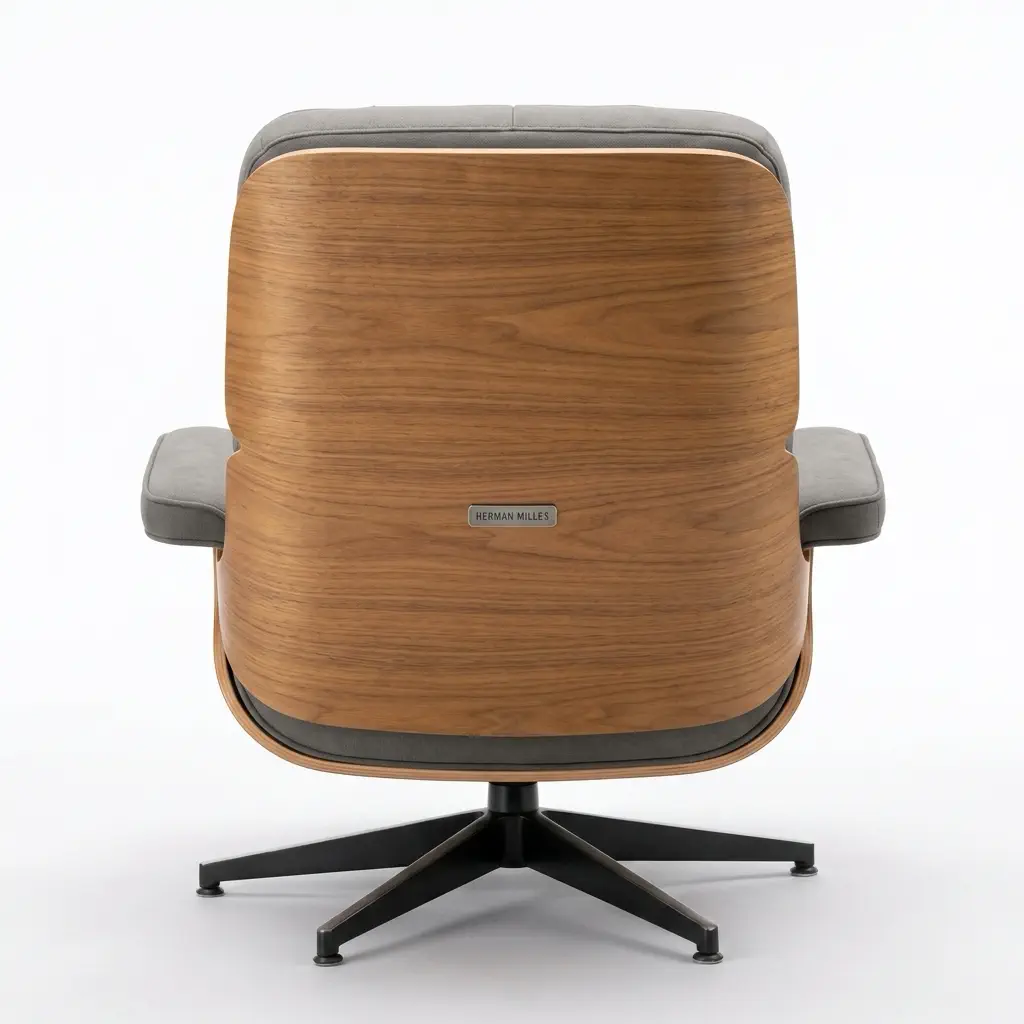
Product multiple views top side
Product multiple views front
Product multiple views 3/4 view
3/4 View
Product multiple views side
Product multiple views back

Commerce Focus

Why product multiple views matter for ecommerce sellers

Professional product photography is expensive because every angle matters. A multi-angle product image generator should help shoppers understand the actual item—showing shape, scale, material, packaging, and buying-critical details without booking a full studio shoot for every listing experiment.

  • AI selects 4-6 product views that make sense for the item category.
  • Clean backgrounds and consistent lighting keep images marketplace-ready.
  • Single-angle options support front, side, 3/4, top, and back views when needed.
  • 2K resolution supports product zoom, detail inspection, and ecommerce listing quality.
Product multiple views generator example with clean commercial product image layout

Use Cases

Who needs product multiple views

Multi-angle product images matter most for products with visible hardware, texture, packaging, or details a single front shot can't show. Perfect for shoes, watches, bags, electronics, jewelry, and handmade goods.

Amazon and marketplace sellers

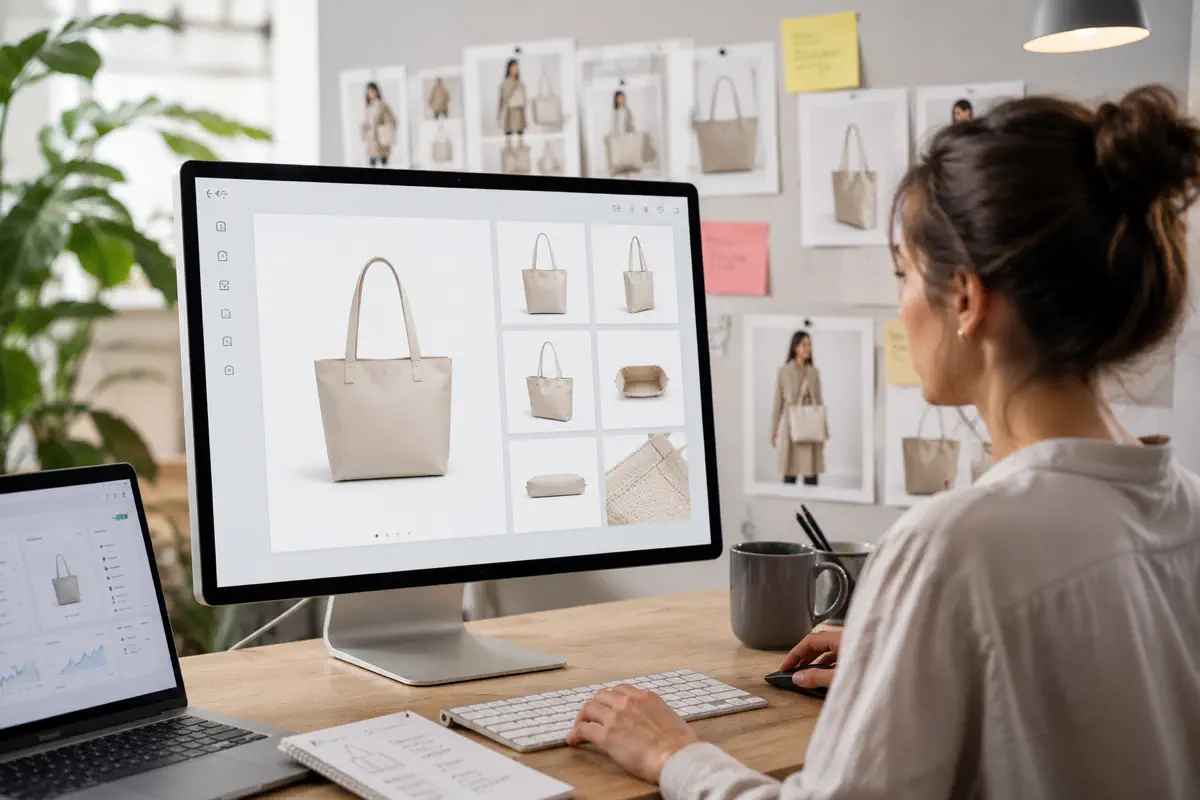
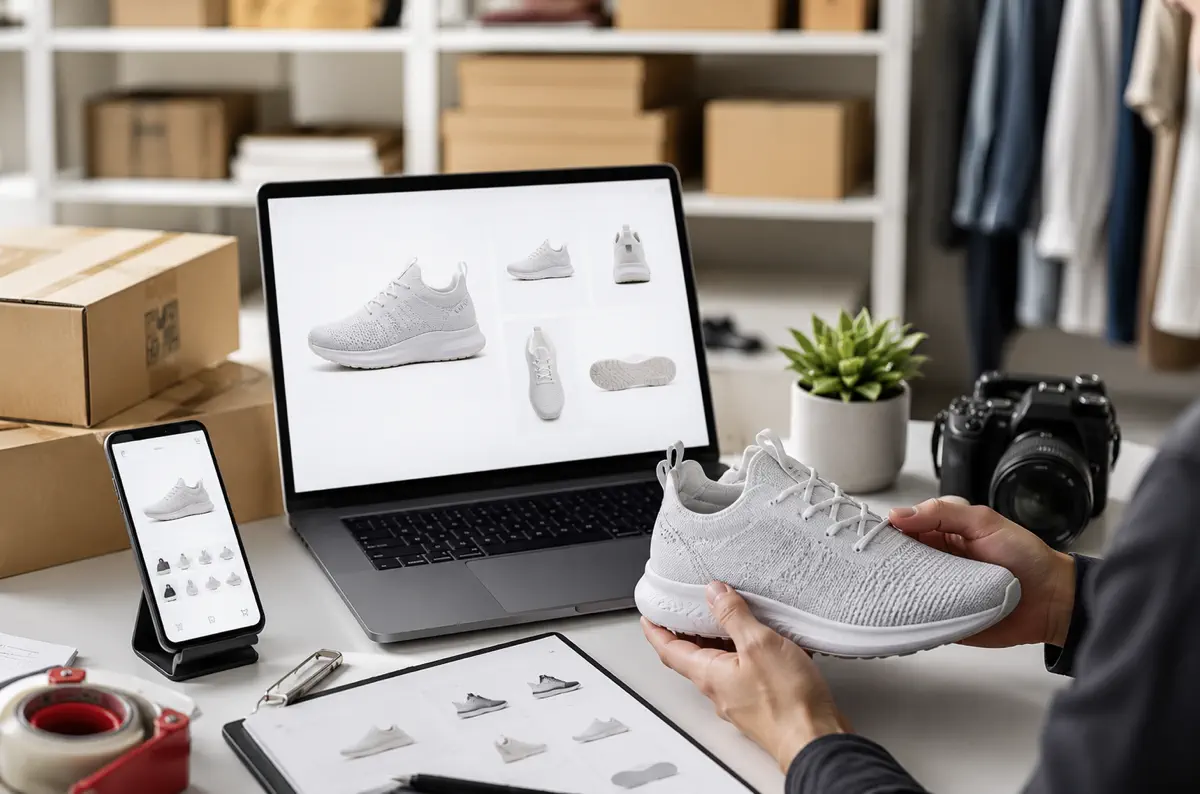
Use product multiple views to plan listing galleries with a main view, side profile, back view, top view, and key details. For marketplace workflows, clean white-background product photography is easier to reuse across ads, catalogs, and store pages.

“A single main image can get the click. Multiple product views help the shopper decide.”
View Page
Product multiple views use case for Amazon and marketplace sellers

Shopify and DTC brands

A Shopify product page often needs more than one polished angle. A multi-angle product photo generator can help teams prototype galleries, compare hero views, and prepare product pages while physical photography is still being scheduled.

“Fast product visuals make it easier to test pages before committing to a full shoot.”

View Page
Multi-angle product photo generator use case for Shopify and DTC brands

Etsy, handmade, and small batch sellers

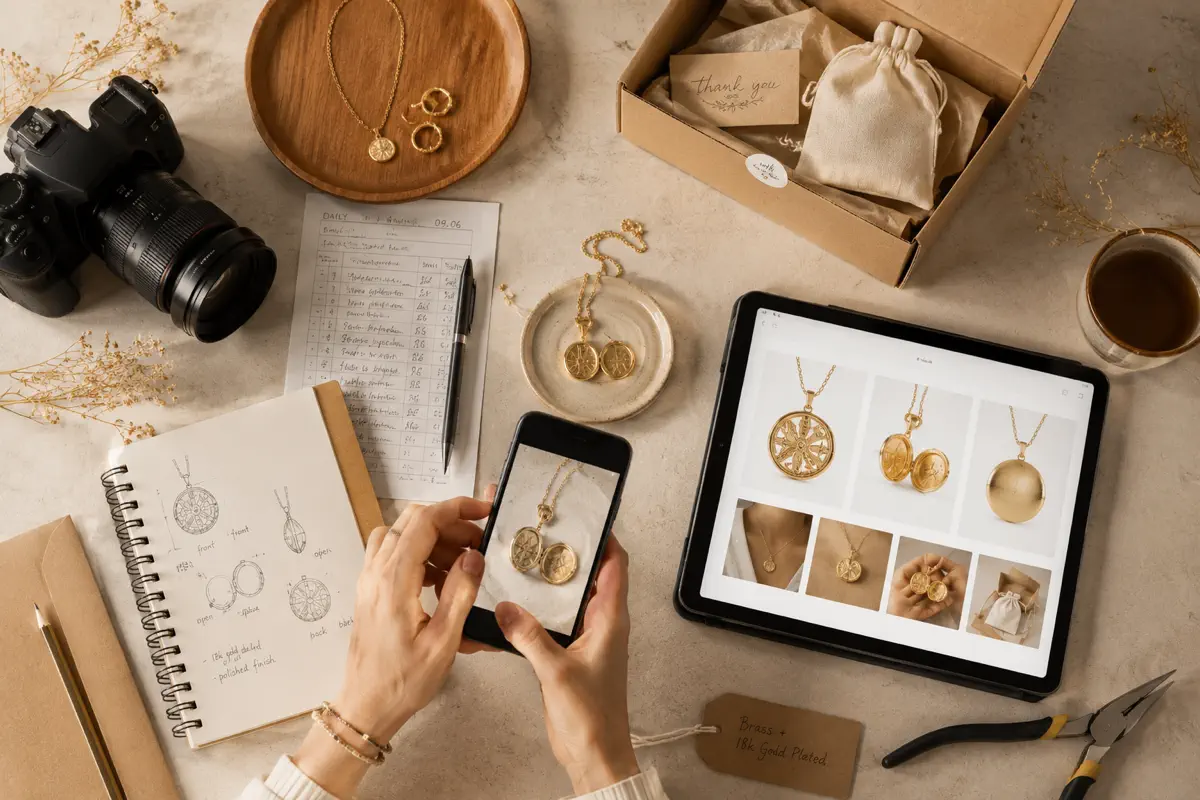
Handmade sellers often need to show front, scale, surface, label, clasp, closure, or packaging details. Product multiple views can help create a more complete visual story from one source image when time and budget are limited.

“Small sellers need visual coverage without turning every product into a photo production.”

View Page
Product multiple views generator use case for Etsy and handmade sellers

Catalog managers and growth teams

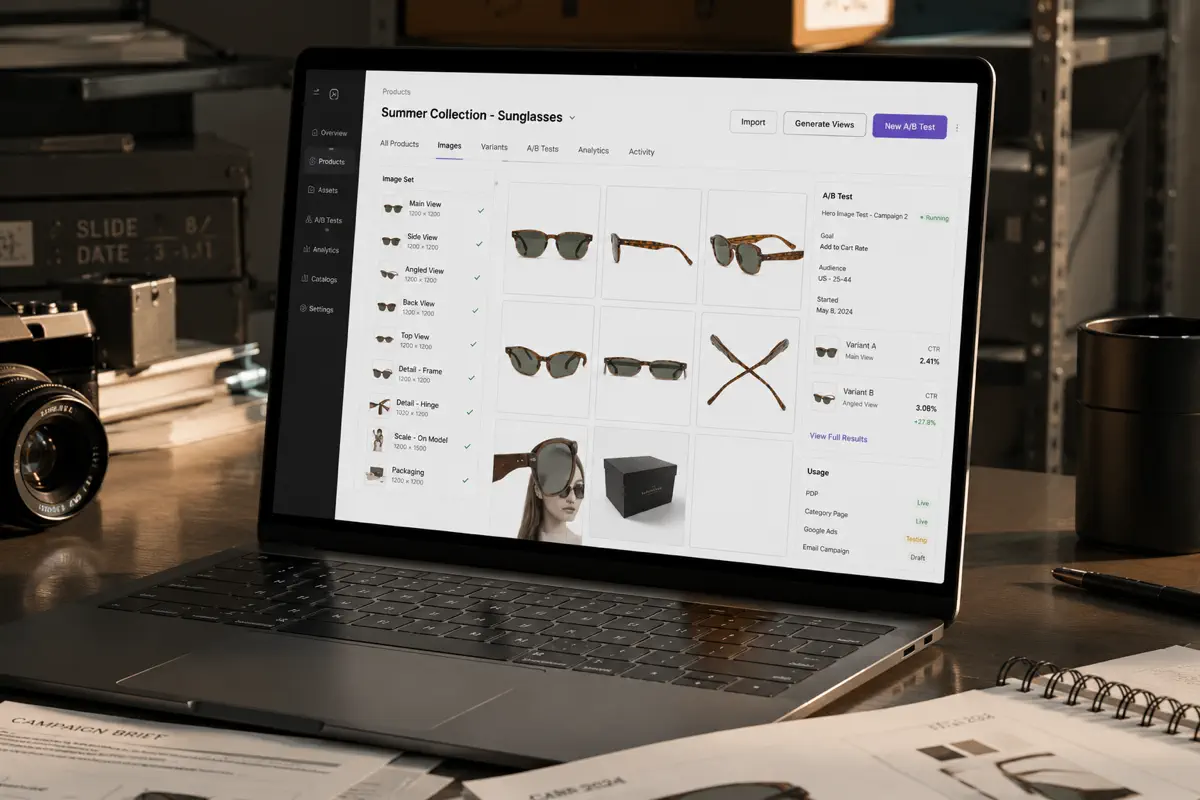
For larger catalogs, AI multi-angle product images can support A/B tests, category page updates, ad experiments, and seasonal merchandising. The practical value is speed: generate product angles from one image, test the direction, then decide which SKUs deserve studio budget.

“More angles means more testable product stories, not just more images.”

View Page
AI multi-angle product images for catalog managers and growth teams

How It Works

From one product photo to a multi-angle product view set

The planned workflow is intentionally simple: one source image, one commerce-focused prompt, and a product view set designed for listings.

1
Step 1

Start with the clearest product image

Upload a product photo that shows the item accurately. A clean silhouette, visible material, and readable shape make it easier to turn one photo into multiple angles without inventing misleading details.

2
Step 2

Choose full angles or a specific product view

Full angles lets AI pick the most useful views for the product. Specific angle mode is better when you already know the gap: front, side, 3/4 view, top view, or back view.

3
Step 3

Use the view set as ecommerce planning material

Download the result for listing drafts, product page tests, ad concepts, internal review, or catalog planning. Final product claims should still match the physical item.

Features

What a product multiple views generator needs to get right

The goal is not to create a pretty alternate image. It is to create a practical product photo set that helps a buyer understand the item.

Smart views

Smart angle selection

A shoe needs side, heel, and sole views. A watch needs dial, profile, and strap detail. A bag needs front, side, handle, and interior coverage. Full angles mode picks views that explain your specific product category.

Speed

Fast catalog expansion

Generate product views from one image when supplier photos are limited, prototypes are early, or a listing needs quick visual coverage. Test catalog pages before investing in complete studio shoots.

Angle control

Fill gallery gaps

Need one specific view? Single-angle mode generates front, side, 3/4, top, or back shots individually. Useful for completing existing product galleries without reshooting everything.

Platform ready

Marketplace-ready output

Clean white backgrounds, centered subjects, and 2K resolution meet Amazon, Shopify, and catalog requirements. Commercial product photography language, not lifestyle scenes.

FAQ

Common questions about product multiple views

What is a multi-angle product image generator?

A multi-angle product image generator uses AI to create multiple product views from one input image. Upload one photo and get front, side, 3/4, top, and back angles in a single product reference sheet. It's designed for ecommerce sellers who need practical product photography without booking studio time.

Does my input image need a clean white background?

No. AI automatically identifies the product in your image, even with busy backgrounds. However, a clear view of the product helps generate better results. As long as the product is visible and recognizable, the generator can extract it and create clean multi-angle views with white backgrounds.

Can I use these images on Amazon or Shopify?

Yes. The product multiple views generator creates images with clean white backgrounds and 2K resolution that meet marketplace requirements. Many sellers use these for live listings, A/B testing, and catalog expansion. Always review the output to ensure it accurately represents your product before publishing.

How accurate are the generated product views?

The AI preserves product shape, color, materials, and overall appearance. Most results are ready to use immediately. In some cases, small details like text or logos may vary slightly—if that happens, try regenerating or adjusting your prompt. Each generation can produce different results.

Why does AI pick different angles for different products?

Because products need different views to tell their story. A shoe needs sole and heel shots. A watch needs dial and strap details. A bag needs interior and handle views. Full angles mode analyzes your product category and selects the most useful views automatically.

What if I need a specific angle?

Use single-angle mode to generate individual views: front, side, 3/4, top, or back. This is useful when you already have some product images and just need to fill gaps in your gallery, or when you want precise control over which angle to generate.

Can this replace professional product photography?

For many use cases, yes. Product multiple views work well for catalog expansion, listing tests, and early-stage product pages. Professional photography is still valuable for high-stakes launches, brand campaigns, or products where exact physical accuracy is critical. Many sellers use AI for speed, then invest in professional shoots for hero products.

How many credits does it cost?

10 credits for 1K resolution, 15 credits for 2K resolution. The cost is the same whether you generate a full multi-angle sheet or a single specific view.

Plan better product galleries from one source image

Use product multiple views to explain the item faster, test the right angles, and prepare cleaner ecommerce visuals before committing studio time.

Explore Product Views