Logo3D Camera Control
  • Pricing
Logo3D Camera Control

Generate consistent multi-angle views from a single reference image.

Tools
  • Camera Angles
  • Qwen Image Edit
  • Product Multiple Views
  • GPT Image 2
  • Pricing
Legal
  • Privacy Policy
  • Refund Policy
  • Terms of Service
© 2026 3D Camera Control. All Rights Reserved.

Character Turnaround Generator

One image to complete turnaround sheet. Consistent multi-angle reference for production.

Click, drop, or paste imagesJPEG, PNG or WebP · Up to 10 MB each

Sign in to try it for free

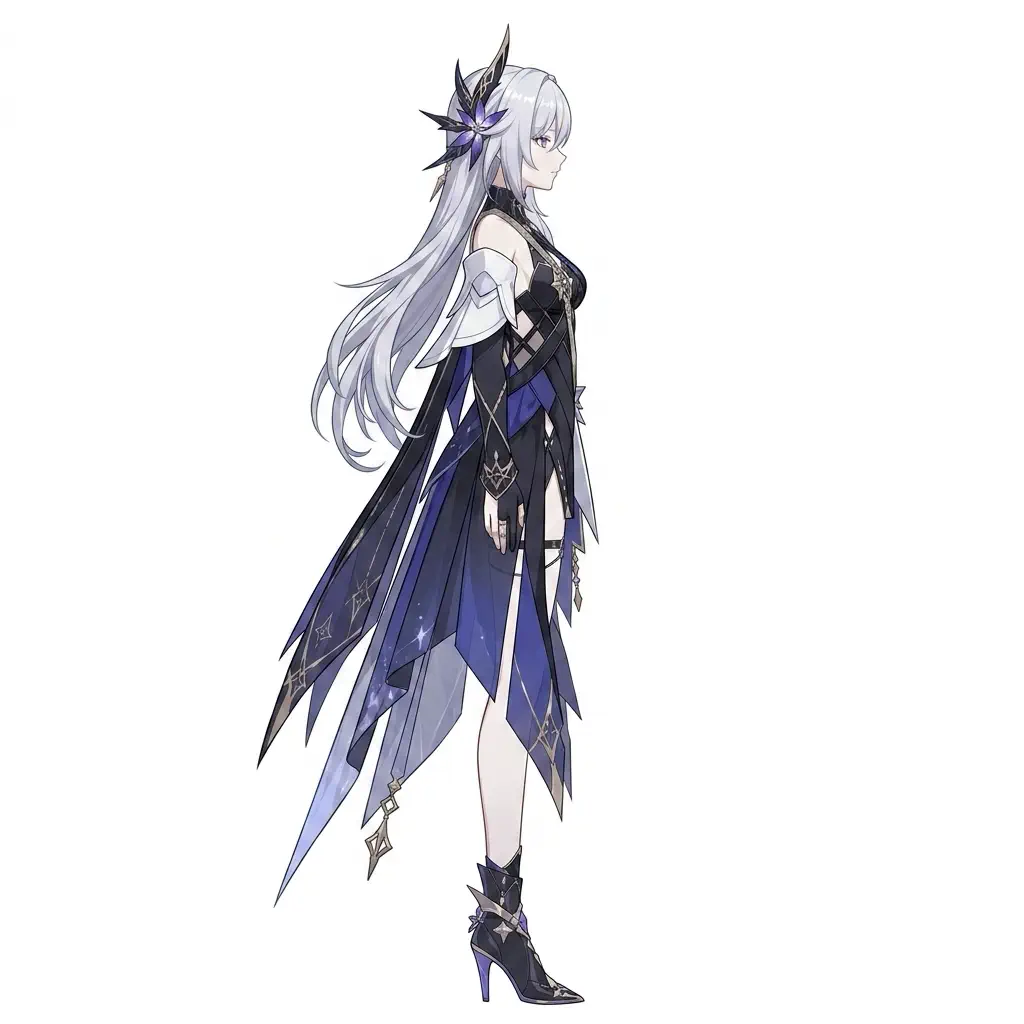
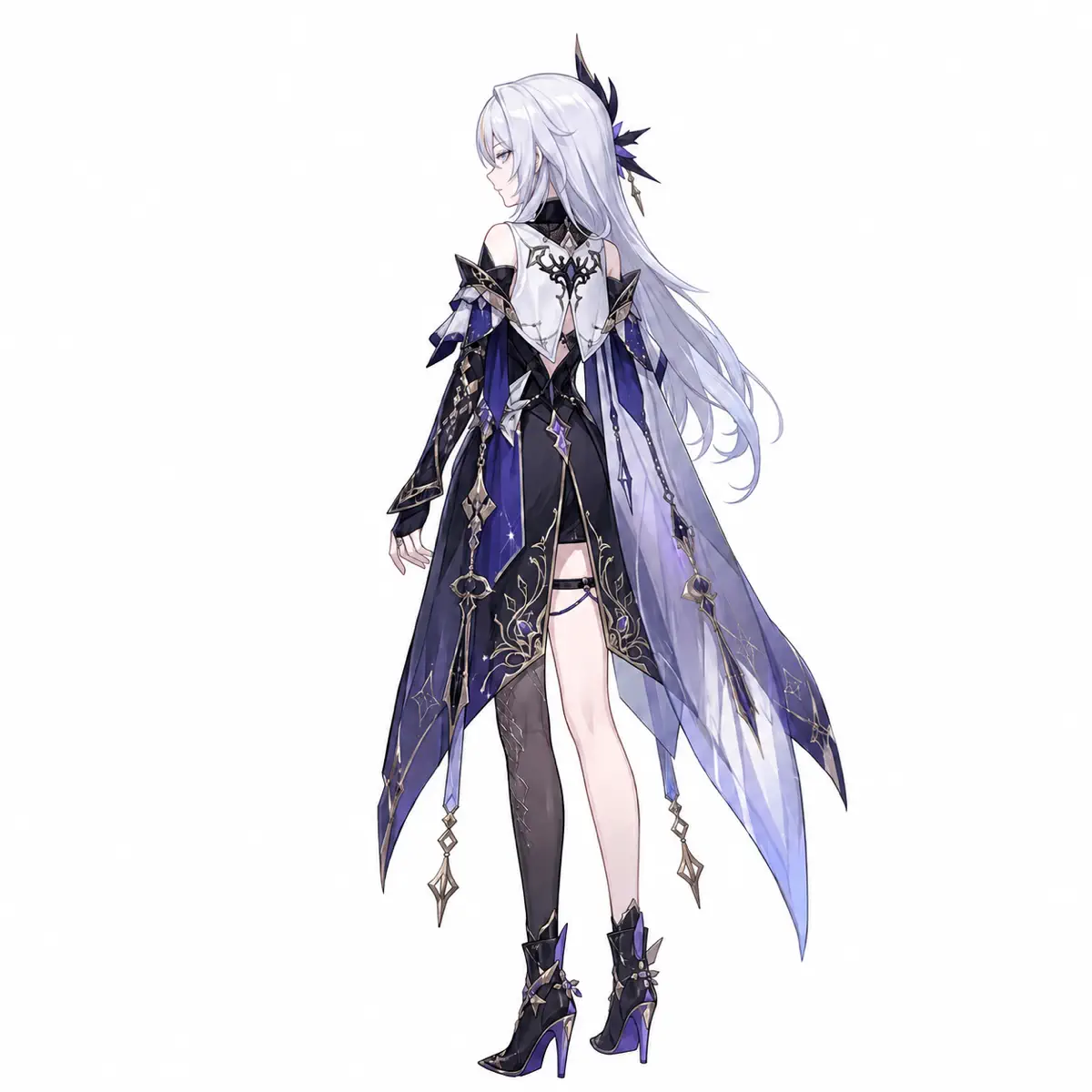
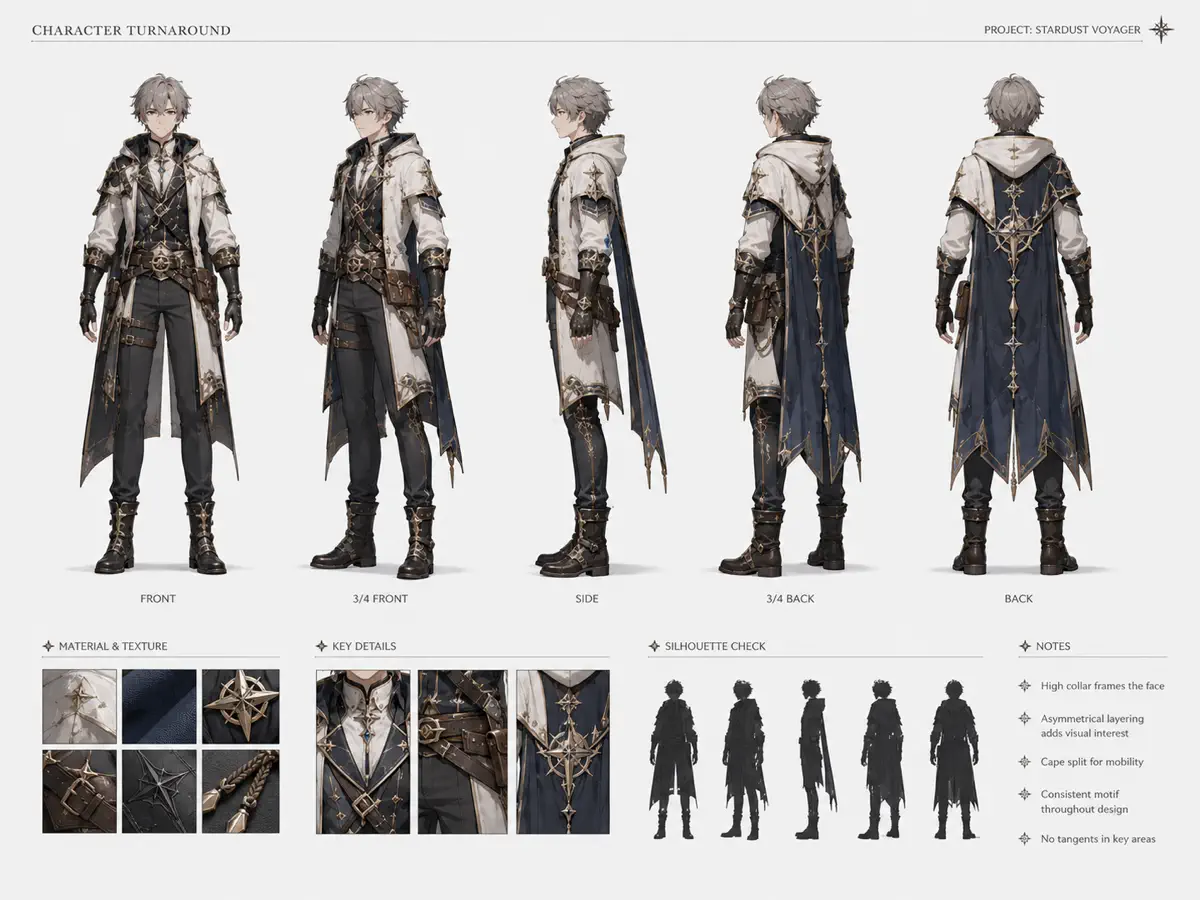
Character turnaround left side view
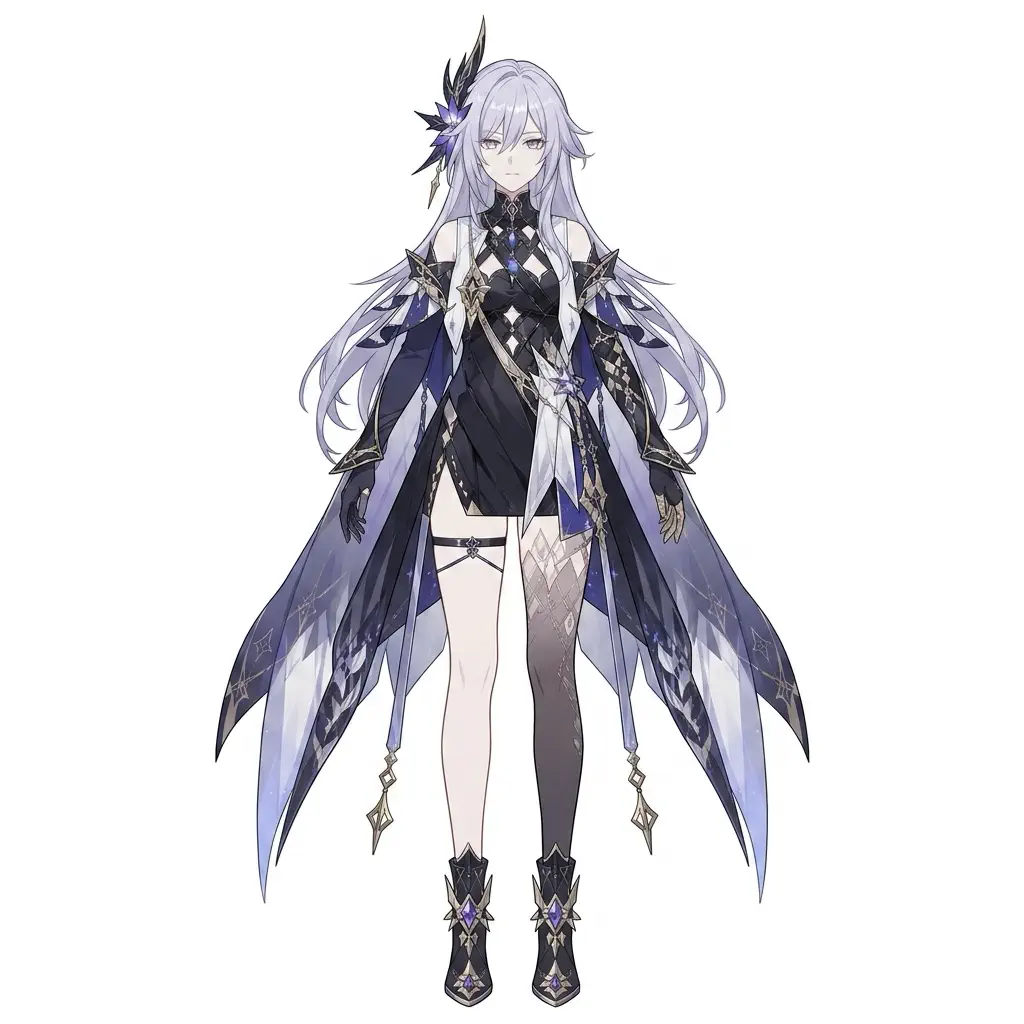
Character turnaround front view
Character turnaround main reference view
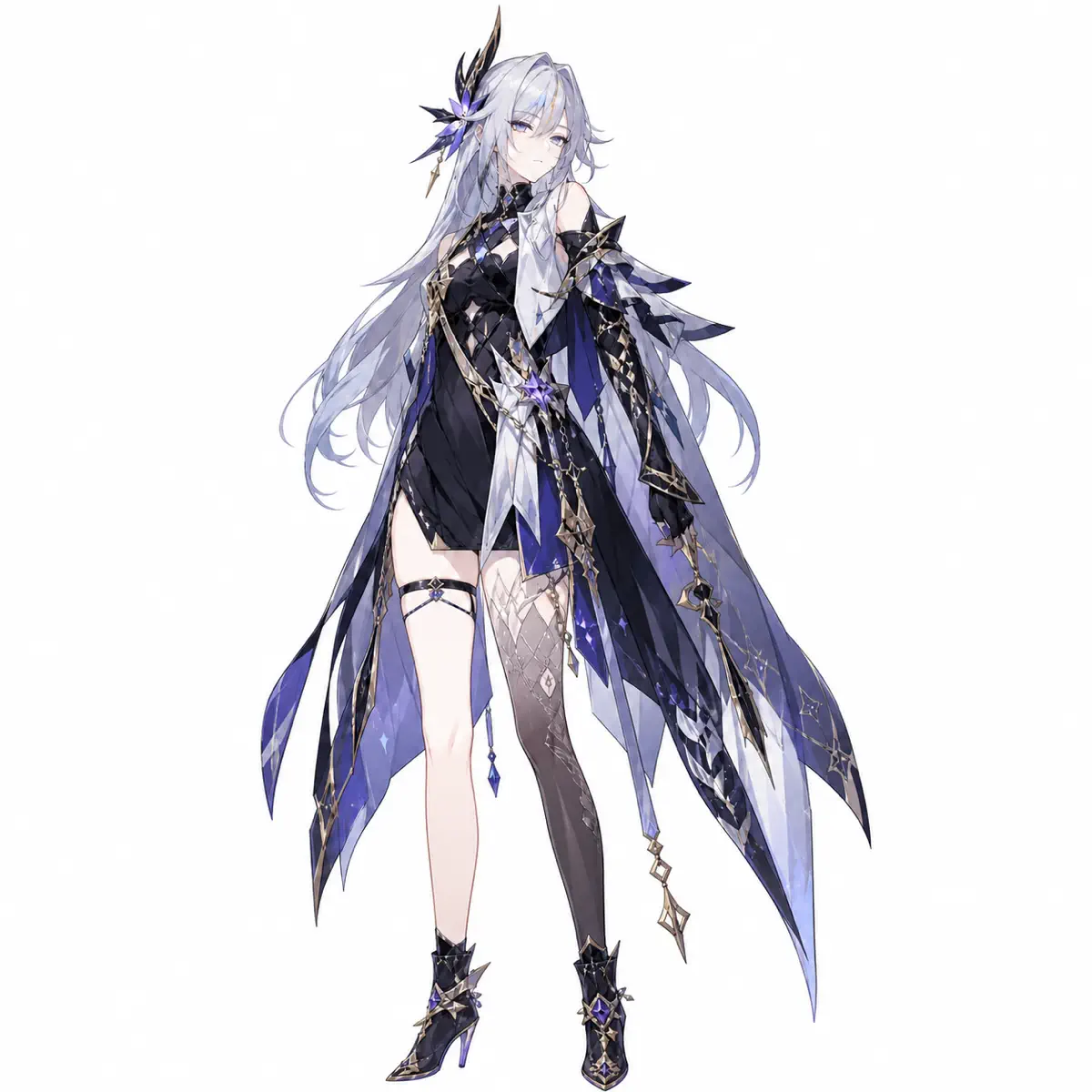
3/4 Front
Character turnaround three-quarter back view
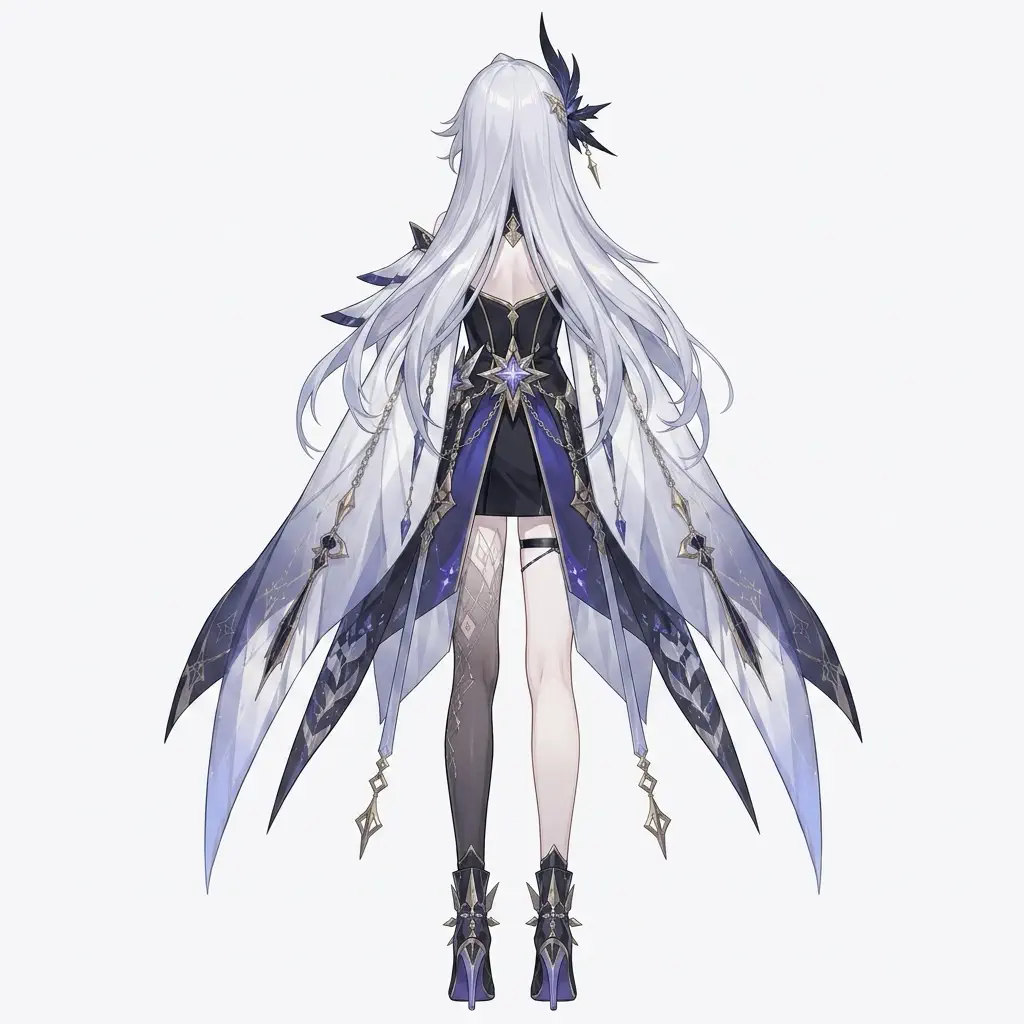
Character turnaround back view

Overview

Professional turnaround sheets in minutes

One source image becomes a complete reference asset with consistent identity and standard views.

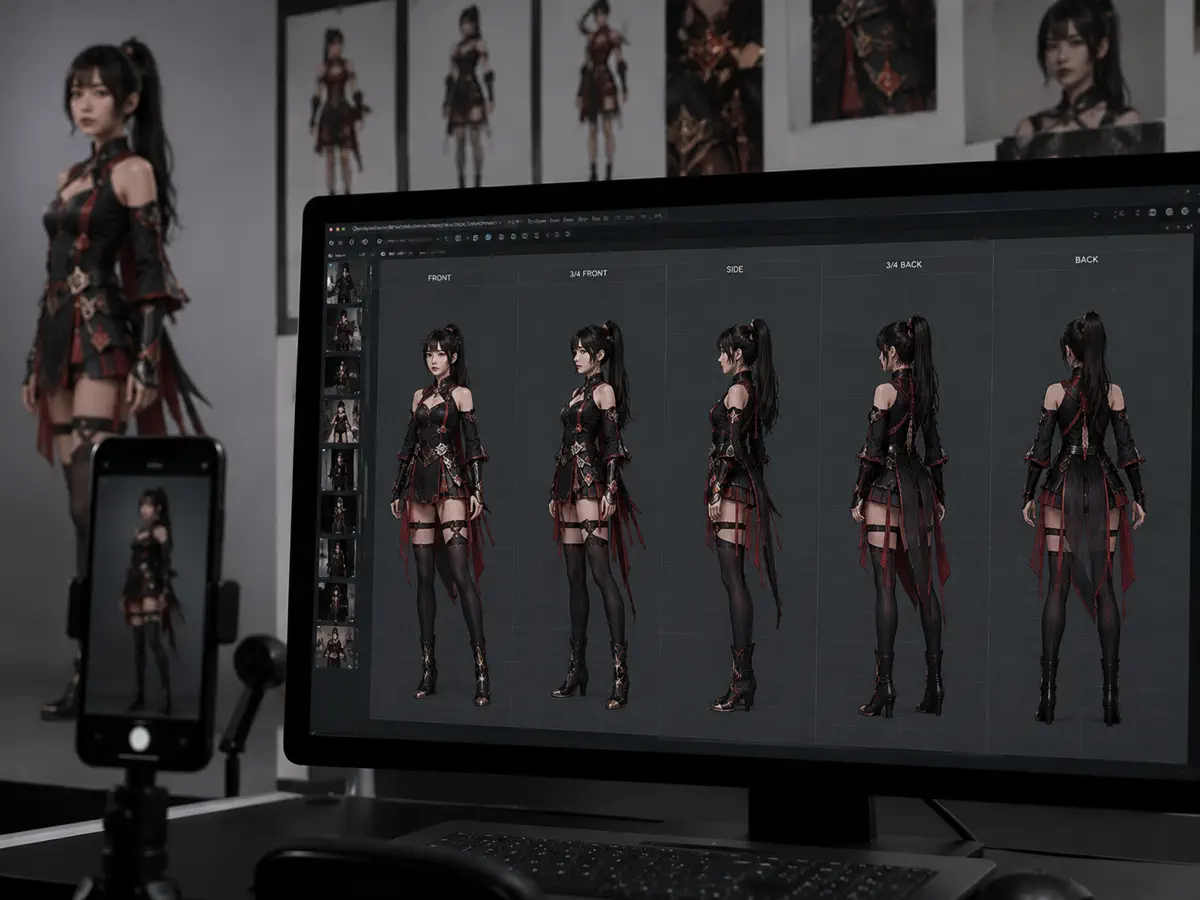
Character turnaround generator example showing one character expanded into a multi-angle reference workflow

Standard turnarounds, not random viewpoints

Front, side, back, and three-quarter views that work as reference. Professional structure, not open-ended novelty.

Identity-first angle changes

The character stays recognizable after rotation. Facial proportions, hair, costume, and color blocking remain coherent—the details creative teams depend on.

Faster than manual reprompting

Skip the loop of prompting each angle separately and discarding drifted results. Spend less time repairing the design, more time on production.

Works across anime, semi-real, and portrait input

Whether you start with anime art, stylized game characters, or real portraits, the core need is the same: stable multi-angle reference.

Use Cases

Who uses character turnaround sheets

Character turnaround matters anywhere a single image needs to become a stable set of views. Perfect for anime, manga, game characters, VTubers, realistic portraits, and stylized art.

Character artists and concept teams

Stress-test whether a design holds together once it leaves the hero angle. Costume logic, silhouette readability, and proportion discipline become visible instead of implied.

“We didn't need another cool portrait. We needed the same design from the side and back.”
Try It Now
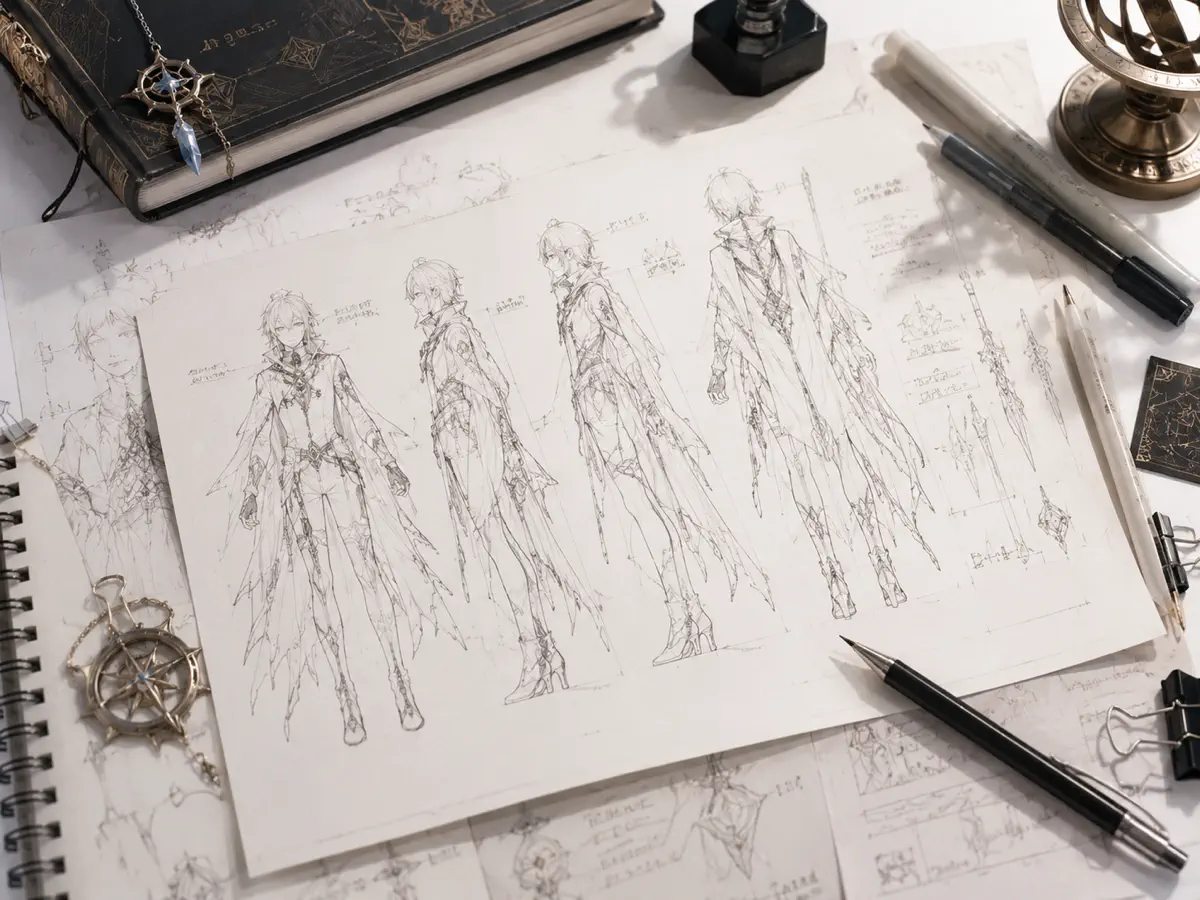
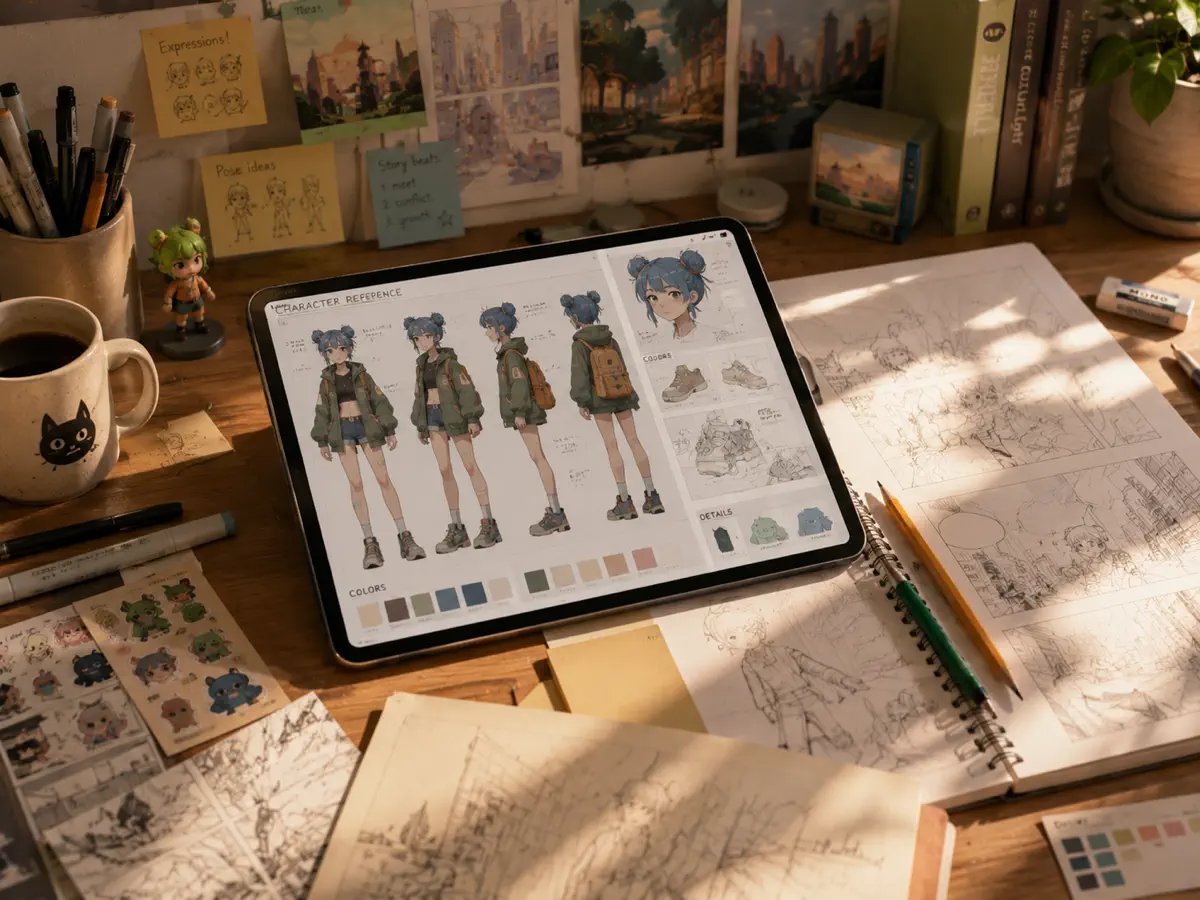
Character turnaround generator use case for concept artists and character design teams

Animators, riggers, and modelers

Build or animate a character from multiple sides. Even a rough but coherent sheet is more actionable than one perfect front portrait and three guessed side notes.

“Reference that survives rotation saves hours when a character moves into production.”

Try It Now
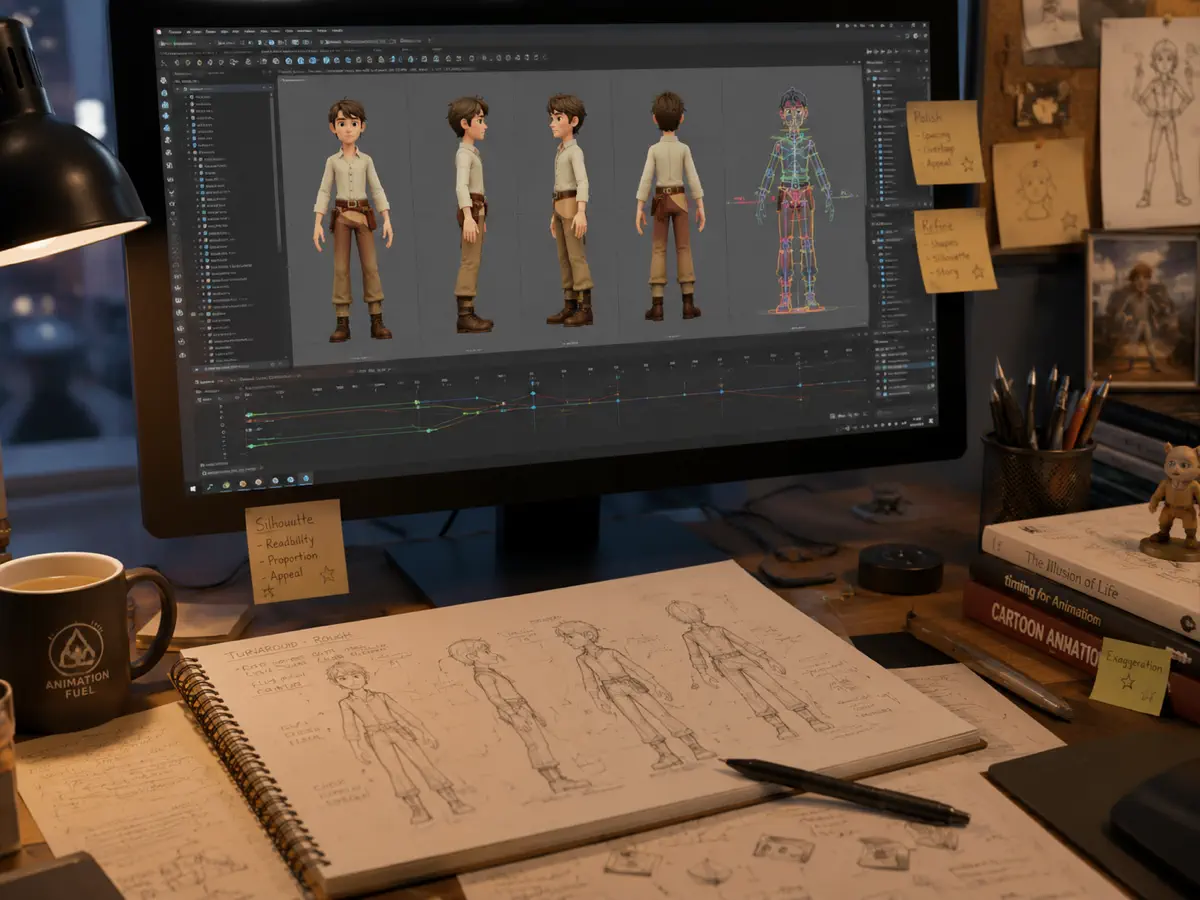
AI character reference sheet use case for animation, rigging, and 3D modeling

Anime creators and fan projects

Cleaner reference for comics, animatics, fan projects, sprite planning, or visual development. Stylized inputs are a first-class use case.

“Anime designs break fast when the hair and face language aren't preserved.”

Try It Now
Anime character turnaround generator use case for manga, fan art, and stylized character work

Cosplay, portrait, and creator workflows

Start with a real photo and generate side, three-quarter, or back references for planning, redesign, or presentation.

“Sometimes changing the photo angle is just the first step before a full character sheet.”

Try It Now
AI portrait angle changer use case for cosplay, creator, and photo-based character reference

How It Works

Three steps to generate character turnarounds

Easy for first-time users, with room for advanced prompt control when needed.

1
Step 1

Start with one clean anchor image

Upload the character, portrait, cosplay photo, or illustration that best represents the subject you want to preserve. Clear silhouette, readable clothing details, and stable facial information usually make the rest of the turnaround more reliable.

2
Step 2

Request standard coverage

Emphasize front, side, back, and three-quarter views with neutral presentation and consistency. That's what makes it a reference sheet instead of loose angle experiments.

3
Step 3

Use the result as a working asset

Download, compare the views, and move it into your art, modeling, animation, comic, or pitch workflow. The sheet removes ambiguity for the next person touching the character.

FAQ

Common questions about character turnaround generation

What is a character turnaround generator?

A character turnaround generator creates multiple standard angle views (front, side, back) from one character image. It's designed for artists, animators, and modelers who need consistent reference sheets for production work.

How consistent are the character turnaround results?

The AI aims to preserve facial features, hair, costume, and proportions across angles. Results vary—some generations are production-ready, others may need adjustments or regeneration. This is typical for AI character reference sheet tools.

Do I need technical skills or LoRA training?

No. This AI character turnaround sheet generator works without LoRA training, ComfyUI workflows, or technical setup. Upload your image and generate. If results aren't perfect, regenerate or adjust the prompt.

Can I use this as an anime character turnaround generator?

Yes. The tool works with anime, manga, game art, realistic portraits, and stylized characters. Anime reference sheet generation can be challenging for AI—expect to regenerate occasionally to get the hair and facial details right.

What if my input is already at an angle?

The character turnaround generator produces absolute angles (front, side, back) regardless of input angle. If you upload a side view, you'll still get proper front and back views. This differs from relative rotation tools.

Is the output good enough for 3D modeling or animation?

The AI character reference sheets work as starting reference for modeling, rigging, and animation. They're not perfect—you may need to regenerate, manually adjust details, or use them alongside other reference. They're faster than drawing from scratch but not a complete replacement for hand-drawn sheets.

How does this compare to other character angle generators?

This character turnaround generator focuses on standard reference angles with neutral poses, not dramatic camera angles. It's built for production reference rather than creative exploration. If a generation doesn't work, try adjusting your prompt or regenerating.

Can I generate character from different angles with custom poses?

The tool focuses on neutral standing poses suitable for character reference sheets. For specific poses or expressions, you may need multiple generations or manual editing afterward. AI works best with clear, simple reference requirements.

Turn one approved character image into usable multi-angle reference

Start from the image you already trust and build outward from there.

Try It Free